 MindForger
Docs
MindForger
Docs
Video Tutorials
MindForger video tutorials - a quick way to see MindForger in action before (or while) you read the user documentation.
All the videos below can be found on YouTube:
Getting started
Start here - what MindForger is and how to make your first steps in it. See also Installation and Getting Started.
🎞 MindForger: Getting started w/ Markdown IDE and Thinking Notebook
MindForger from a Markdown editor to a thinking notebook - the tour of the main window, workspaces, notebooks and notes.
🎞 MindForger: First Steps - New Notebook, Note, Repository and Markdown File
Create your first notebook and note, open a workspace and edit a plain Markdown file.
Wingman: AI assistant
Wingman is MindForger's private AI assistant which brings a large language model (LLM) - local ollama, OpenAI or OpenRouter - to your notes. See LLM provider configuration to set it up.
🎞 MindForger: Fix grammar with Wingman @ LLM
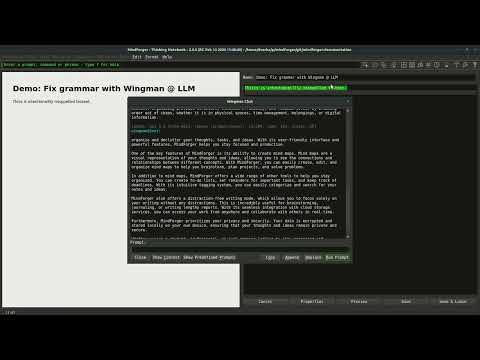
Fix grammar of the text you wrote.
🎞 MindForger: Text summarization with Wingman @ LLM
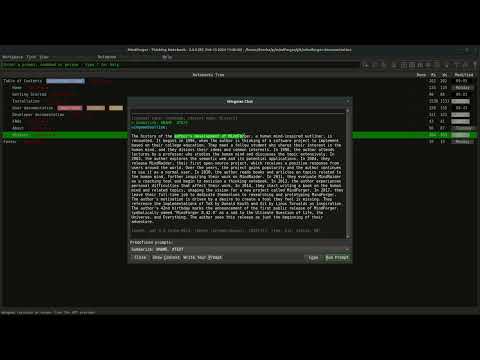
Summarize a note or a selected text.
🎞 MindForger: ELI5 - explain terms and concepts like I'm 5 with Wingman @ LLM
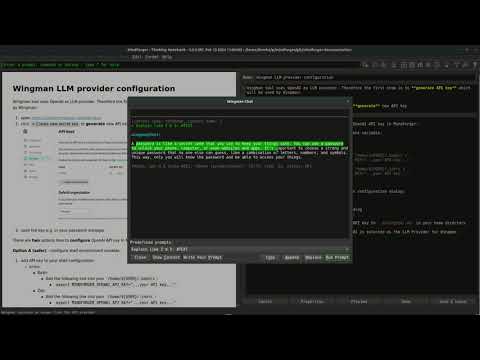
Explain like I'm 5 - get a simple explanation of a term or a concept.
🎞 MindForger: Translate text with Wingman @ LLM
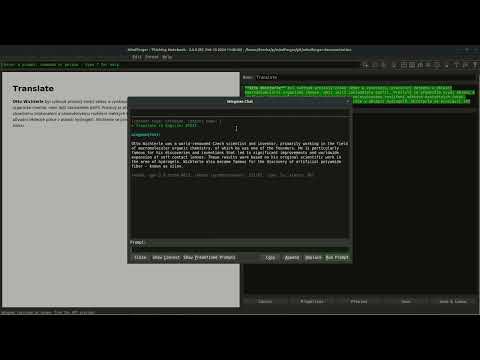
Translate a note or a selected text to another language.
🎞 MindForger: Write your notes with Wingman @ LLM
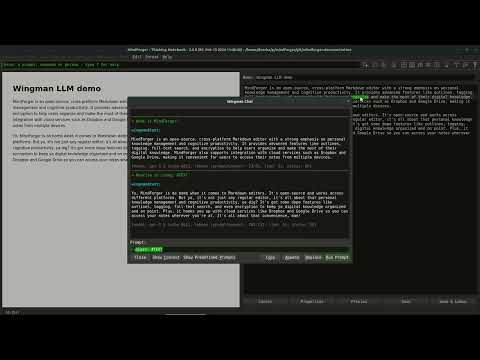
Complete text and rewrite what you have written.
🎞 MindForger: Get synonyms and antonyms with Wingman @ LLM
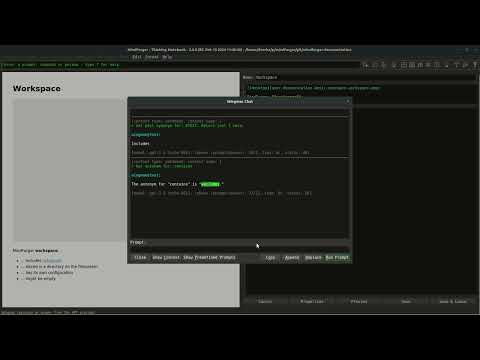
Find a better word - synonyms and antonyms for the selected text.
Notebooks and notes
Creating and forgetting the knowledge in your workspace.
🎞 MindForger: New Workspace, Notebook and Note
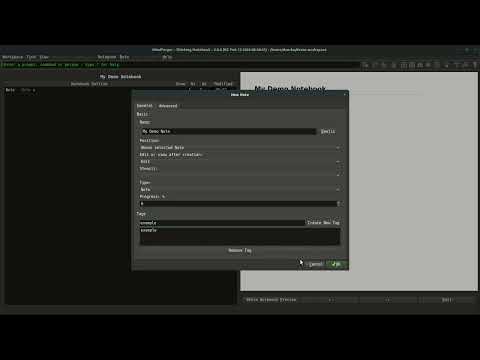
Create a new workspace, notebook and note.
🎞 MindForger: Notebook deprecation
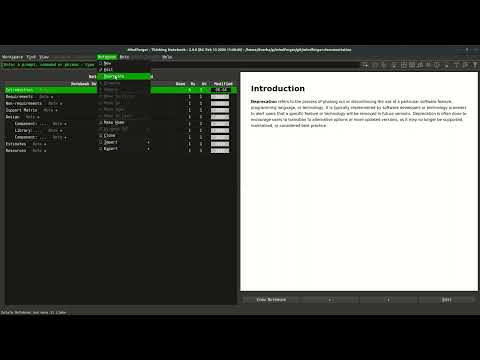
Notebooks are not deleted, but deprecated - they are moved to the limbo directory from where they can be purged or resurrected.
Markdown editor
Writing Markdown in the Markdown editor.
🎞 MindForger: Live markdown preview
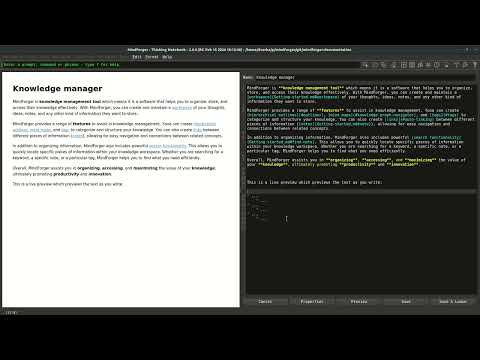
Toggle the live HTML preview of the edited Markdown.
🎞 MindForger: Link completion in the note editor
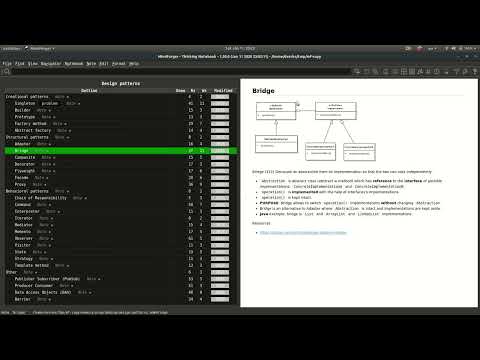
Write a prefix of a notebook/note name and let MindForger create the Markdown link for you - see link completion.
🎞 MindForger: Table of contents generator for Markdown documents
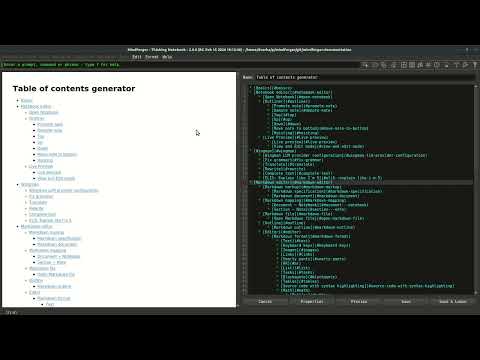
Generate the table of contents of a Markdown document.
🎞 MindForger: Editing notes with an external editor
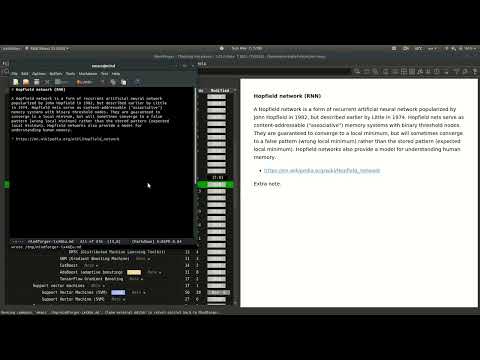
Edit a note in your favorite external editor.
Search and organize
Finding the knowledge in your workspace and giving it a structure.
🎞 MindForger: Find notebooks and notes by name, phrase or tag
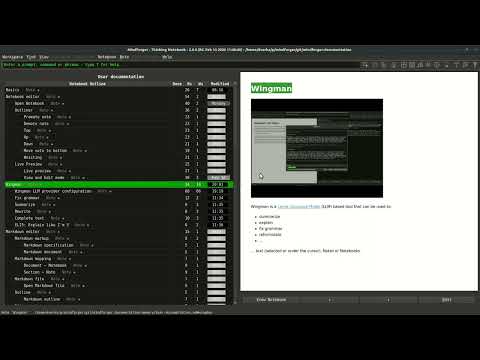
Search your workspace by full-text, name or tag.
🎞 MindForger: Outliner
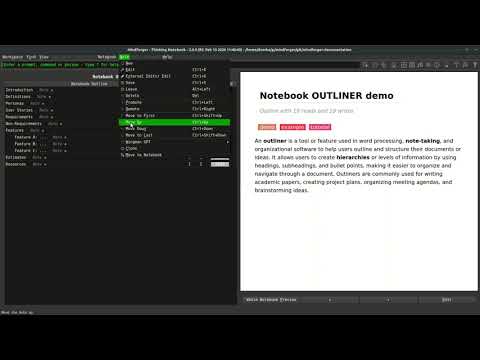
Promote, demote and move notes to structure a notebook - see outliner.
🎞 MindForger: Kanban
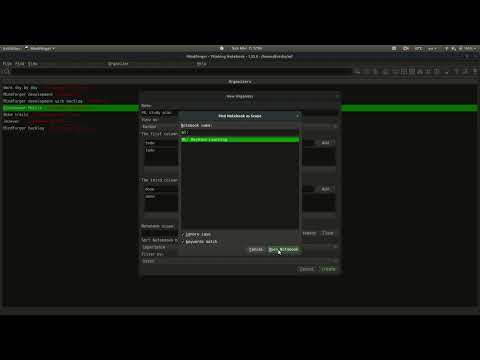
Organize notes to the columns of a Kanban board using tags.
🎞 MindForger: Knowledge graph navigator
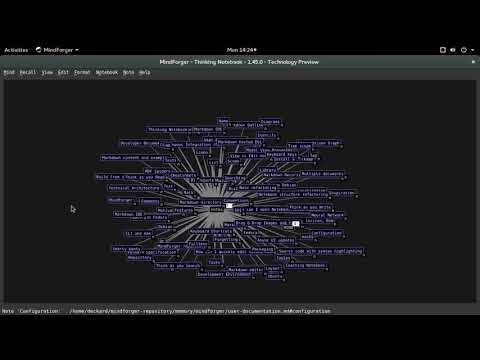
Browse your workspace as a graph of notebooks, notes and tags - see knowledge graph navigator.